

Brisk Teaching
AI that works where educators work
Brisk Teaching is an AI tool for teachers that works inside the tools they already use, through a Chrome and Edge extension and on the web. It generates lesson plans, assessments and presentations, gives feedback on student writing and adjusts reading levels in 50+ languages. Teachers can use the Free plan at $0, while Premium and Intelligence for schools and districts are priced on request.
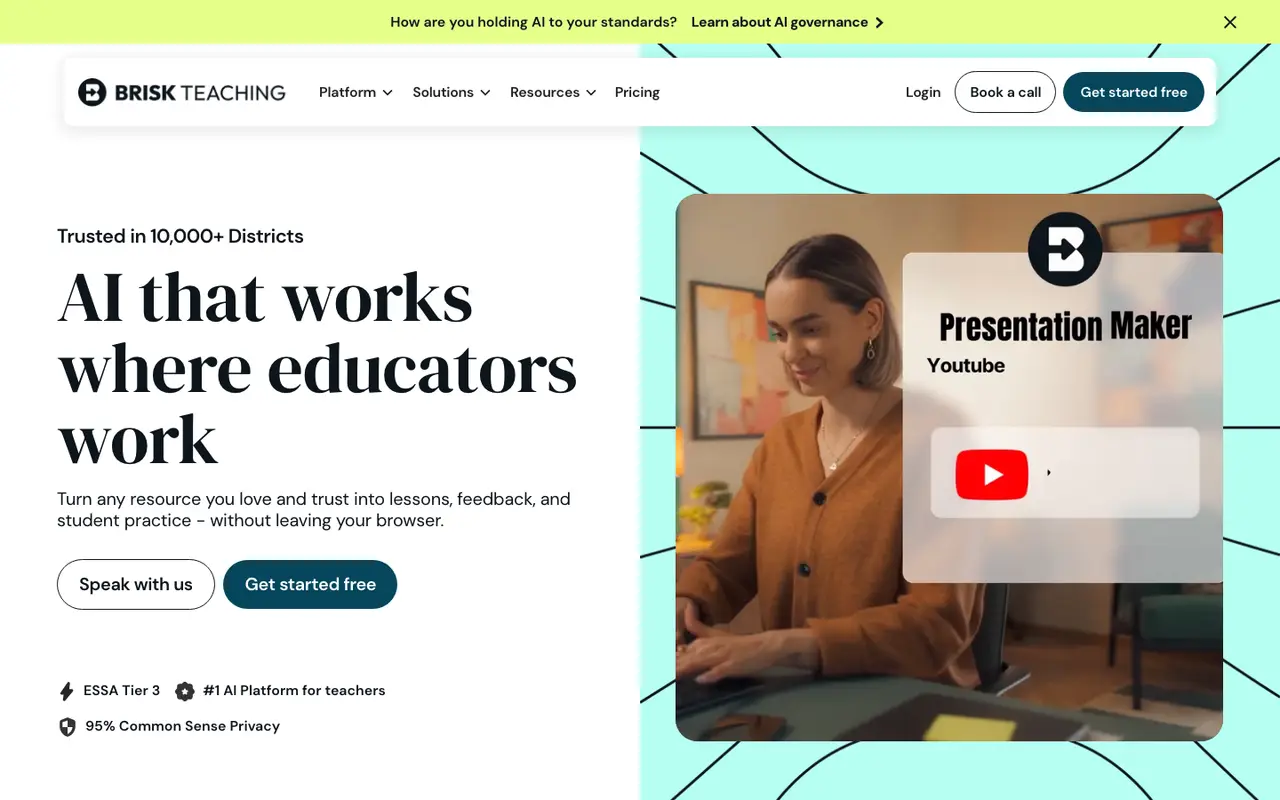
What Brisk Teaching does
Brisk is built to run where teaching already happens. Its Chrome and Edge extension works in Docs, Slides, YouTube and learning management systems, and the site says it works on any page or file, from docs and videos to PDFs and websites. There is also a web version, with support for both Google and Microsoft.
Create Content groups 30+ tools for generating lesson plans, assessments and creative writing prompts, including a Lesson Plan Generator, a quiz maker and a Presentation Maker that builds Google Slides decks from an idea, article, website or video. Change Level adjusts reading levels or translates materials, with 50+ languages listed. The Brisk Next hub is where generated materials are refined, bundled and shared.
For student work, Give Feedback offers 5+ ways to comment on writing, such as Glow & Grow and batch feedback, and Inspect Writing shows how a student revised a piece. Brisk Boost turns online resources into teacher-guided AI activities, with 14 activities listed. The Premium plan for schools adds output aligned to state standards and rubrics, tool management and onboarding, and Intelligence for districts builds in the adopted curriculum, pacing and scope and sequence.
Features
- Lesson Plan Generator
- Presentation Maker for Google Slides
- Quiz maker
- Glow & Grow feedback
- Batch feedback
- Inspect Writing
- Change reading levels and translate in 50+ languages
- Brisk Boost student activities
- Brisk Next content hub
- Chrome & Edge extension
Brisk Teaching pricing
| Plan | Price | What's included (as stated) |
|---|---|---|
| Free | Free |
|
| Premium | Custom |
|
| Intelligence | Custom |
|
Copied from Brisk Teaching's pricing page on Nov 16, 2026. Prices change, so confirm before you buy.
Strengths and limits
Each point comes from the features and plan details on this page. No point is an opinion.
Strengths
- Teachers can start on the Free plan at $0 with self-serve resources and community support.
- It works inside Docs, Slides, YouTube and the LMS through a Chrome and Edge extension.
- Change Level adapts reading levels and translates materials in 50+ languages.
- Give Feedback offers 5+ ways to comment on student writing, including batch feedback.
Limits
- Premium and Intelligence show no price; schools and districts have to speak with Brisk.
- Alignment to a district's adopted curriculum and pacing is reserved for Intelligence, the top district plan.
Who Brisk Teaching suits, by the numbers
- Best for:
- trying it at no cost (free plan: $0); using it inside the browser through its extension.
- Not ideal for:
- comparing prices up front, as Premium and Intelligence are quote-only.
Signals used: free plan, published prices, platforms, as verified on Nov 16, 2026. How signals work.
Brisk Teaching FAQ
Is Brisk Teaching free for teachers?
The Free plan is listed at $0 for teachers and is backed by self-serve resources and the Brisk community. Premium and Intelligence, the school and district plans, are priced through a conversation with Brisk.
Where does Brisk work?
Brisk runs as a Chrome and Edge extension inside Docs, Slides, YouTube and learning management systems, and also on the web, with versions for Google and Microsoft.
Where this listing comes from
Facts were read from these pages on Nov 16, 2026. The description was written from those facts. See the methodology.
Something out of date? Report a correction. Corrections are free.
Brisk Teaching alternatives

MagicSchool
FreemiumFrom $12.99/moThe AI Operating System for Schools
Education & Study
Eduaide
FreemiumFrom $5.99/moHigh Quality Instructional Materials for Every Classroom
Education & Study
Diffit
FreemiumFrom $14.99/moWe help teachers do their best work
Education & Study
SchoolAI
Free trialFree plan availableAI that connects teachers with every student
Education & Study
Khanmigo
FreemiumFree plan availableKhan Academy's AI-powered teaching assistant and tutor
Education & Study
Wayground
FreemiumFree plan availableCreate AI-powered assessments, presentations, video, flashcards, and more with Wayground.
Education & Study