

OpusClip
#1 AI video editor and clipping tool: turn long videos into viral clips and publish them to all social platforms in one click.
OpusClip is a video clipping tool that cuts long videos into short clips, then edits, resizes and publishes them. A Free plan gives 60 credits per month with watermarked clips, and paid plans start at $12 per month. It is meant for people who create YouTube Shorts, edit videos for social platforms or add subtitles.
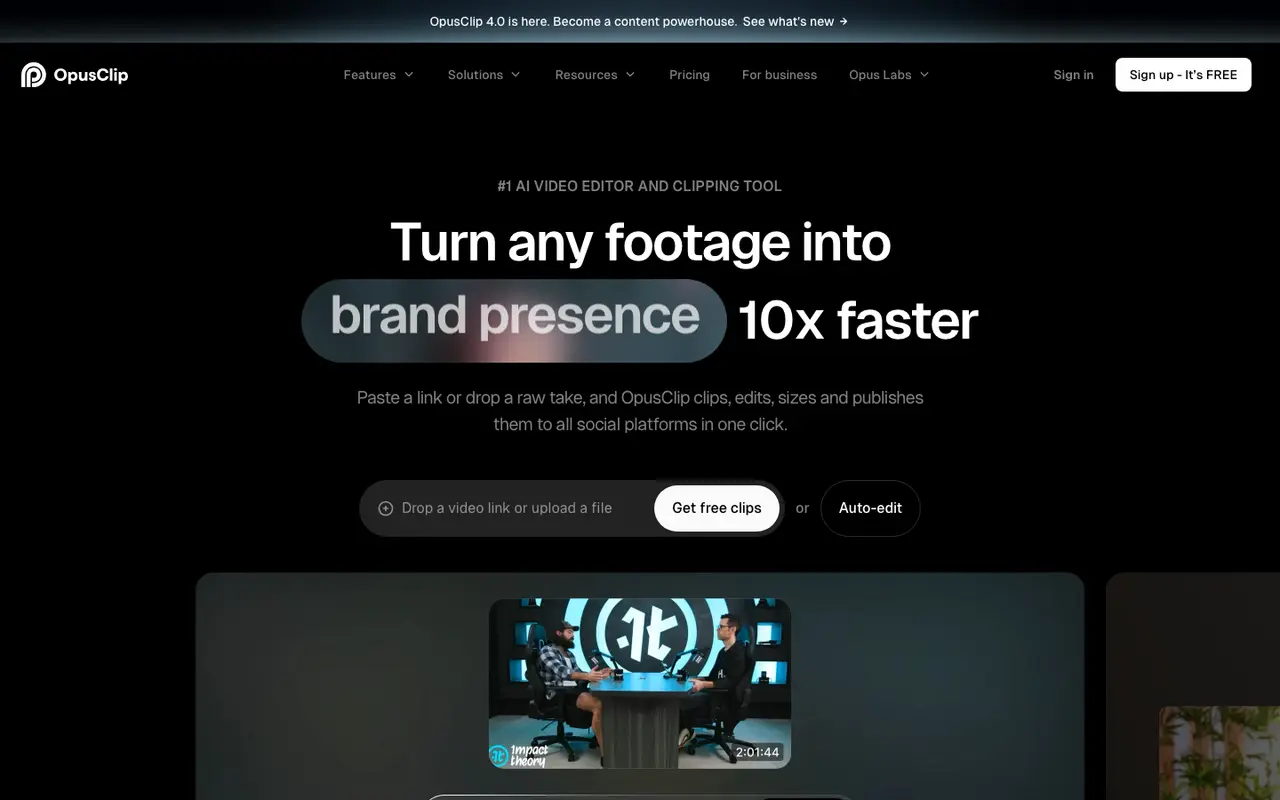
What OpusClip does
Start by adding a video through a link or an upload; on the Pro plan, sources include YouTube, Google Drive, Vimeo, Zoom and Twitch. ClipAnything then finds short clips in any genre, from vlogs and gaming to sports and interviews, and gives each one a Virality Score. ReframeAnything resizes the clips for different platforms while tracking moving subjects, and animated AI captions are available in 20+ languages.
Editing tools cover filler and silence removal, AI B-Roll, speech enhancement and AI voice-over. Clips can be auto-posted to YouTube Shorts, TikTok and Instagram Reels or queued in the social media scheduler, and projects can move to Adobe Premiere Pro or DaVinci Resolve for further work. Brand templates and a team workspace support shared use, and an API is offered for automating workflows.
The Free plan renders clips up to 1080p but adds a watermark, allows no editing, and stops exports after 3 days. Starter is listed at $12 per month on its pricing page, is offered monthly only, and includes 150 credits per month and 1 brand template. Pro is listed at $11.5 per month, billed annually as $138, with 3600 credits over 12 months, 2 seats, 2 brand templates and 6 social account connections. Business pricing is custom.
Features
- AI clipping of long videos into short clips with a Virality Score
- AI animated captions in 20+ languages
- AI reframe with moving-object tracking
- Auto-post to YouTube Shorts, TikTok and IG Reels
- AI B-Roll, AI voice-over and speech enhancement
- Filler and silence removal
- Brand templates and team workspace
- Social media scheduler
- Export to Adobe Premiere Pro and DaVinci Resolve
- API for workflow integration
OpusClip pricing
| Plan | Price | What's included (as stated) |
|---|---|---|
| Free | Free |
|
| Starter | $12/mobilled monthly |
|
| Pro | $138/yrbilled annually |
|
| Business | Custom |
|
Copied from OpusClip's pricing page on Nov 6, 2026. Prices change, so confirm before you buy.
Strengths and limits
Each point comes from the features and plan details above. No point is an opinion.
Strengths
- Free plan includes 60 credits per month and clips rendered up to 1080p.
- AI reframe tracks moving objects when resizing clips for different platforms.
- Auto-posts clips to YouTube Shorts, TikTok and Instagram Reels.
- Exports to Adobe Premiere Pro and DaVinci Resolve, and offers an API.
Limits
- Free plan clips carry a watermark and cannot be edited.
- On the Free plan, clips can no longer be exported after 3 days.
- API and custom integrations are listed under the Business plan.
OpusClip FAQ
Is OpusClip free?
There is a Free plan with 60 credits per month and clips up to 1080p. Clips have a watermark, cannot be edited, and stop being exportable after 3 days.
How much does OpusClip cost?
Starter is listed at $12 per month on its pricing page and is available monthly only. Pro is $138 billed annually, shown as $11.5 USD/mo. Business has custom pricing.
Can OpusClip post clips directly to social platforms?
Yes. Clips can be auto-posted to YouTube Shorts, TikTok and Instagram Reels, and a social media scheduler is included.
Where this listing comes from
Facts were read from these pages on Nov 6, 2026. The description was written from those facts. See the methodology.
Something out of date? Report a correction. Corrections are free.