

Kapwing
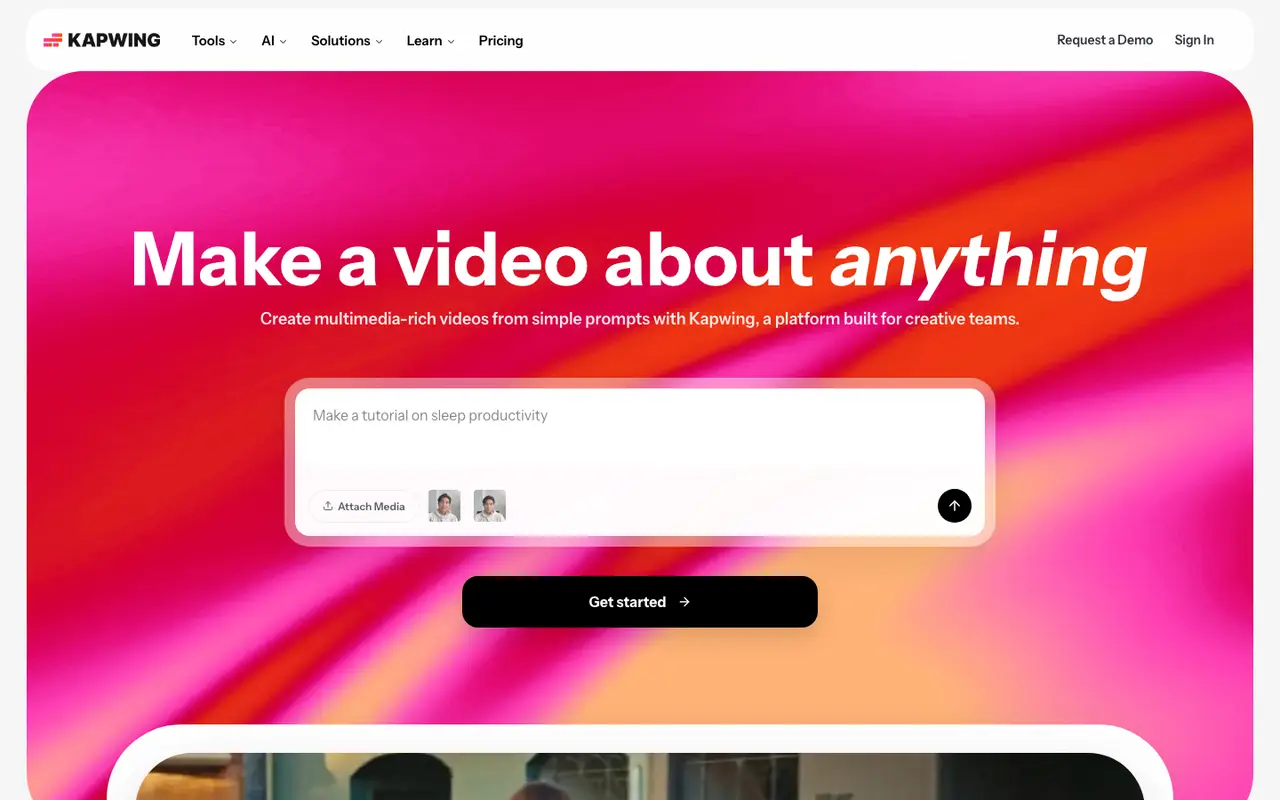
Make a video about anything
Kapwing is a browser-based video platform for editing, subtitling and generating videos. A free plan is available, and paid plans start at $24 per month, billed monthly. Creative teams, marketers, educators and content creators can use it to edit videos, add subtitles and create videos from a text prompt.
What Kapwing does
Everything runs in the browser. The core is a drag-and-drop timeline editor with collaboration, alongside an audio editor and a Subtitler that generates captions automatically. Trim with Transcript lets you cut footage by editing its text, Smart Cut removes silences, and Clean Audio strips background noise.
Kapwing's AI Video Generator turns a text prompt into a full project with voiceover, visuals, subtitles, music and characters. Dubbing translates dialogue into 40+ languages, text to speech produces voiceovers, and Repurpose Studio with Clip Maker turns one long video into short clips. An MCP connection links the editor to outside AI agents.
The Free plan gives 10 credits, 720p exports up to 4 minutes long, 5 GB of storage and a watermark on exports. Pro costs $24 per month billed monthly, or $16 with annual billing, and removes the watermark, adds 4K export, projects up to 2 hours and 1,000 credits a month. Business is $64 per month billed monthly, or $50 with annual billing, with 4,000 credits a month and 800 GB of storage; it also lets you create custom voice clones of your own voice, or of voices you have permission to use. Paid plans have no free trial.
Features
- Drag-and-drop timeline video editor with collaboration
- Subtitler for adding captions and subtitles in the browser
- AI Video Generator from a text prompt
- Dubbing that translates dialogue into 40+ languages
- Text to speech voiceovers
- Repurpose Studio and Clip Maker for turning a video into short clips
- Smart Cut to remove silences automatically
- Clean Audio to remove background noise
- Trim with Transcript: edit video by editing text
- MCP connection for Claude and ChatGPT
Kapwing pricing
| Plan | Price | What's included (as stated) |
|---|---|---|
| Free | Free |
|
| Pro | $24/mobilled monthly |
|
| Business | $64/mobilled monthly |
|
| Enterprise | Custom |
|
Copied from Kapwing's pricing page on Nov 7, 2026. Prices change, so confirm before you buy.
Strengths and limits
Each point comes from the features and plan details above. No point is an opinion.
Strengths
- Runs in the browser with a collaborative drag-and-drop timeline editor.
- Trim with Transcript lets you edit video by editing text.
- Dubbing translates dialogue into 40+ languages.
- Pro removes the watermark and exports in 4K resolution.
Limits
- Free plan exports carry a watermark.
- Free exports are limited to 720p and videos up to 4 minutes long.
- Paid plans have no free trial.
- Custom voice clones and lip sync are listed under the Business plan.
What people use Kapwing for
Kapwing FAQ
Does Kapwing have a free plan?
Yes. It includes 10 credits, 720p exports up to 4 minutes long, 5 GB of cloud storage and unlimited exports with a watermark.
How much does Kapwing Pro cost?
Pro is $24 per month billed monthly, or $16 with annual billing. It includes 1,000 credits a month and no watermark.
Does Kapwing run in a browser?
Yes. Kapwing is browser-based, and the row lists web as its platform.
Where this listing comes from
Facts were read from these pages on Nov 7, 2026. The description was written from those facts. See the methodology.
Something out of date? Report a correction. Corrections are free.