

Clipchamp
Microsoft's online video editor with AI editing tools
Clipchamp is Microsoft's online video editor for recording, editing and sharing videos with AI tools such as automatic subtitles, AI voiceovers and audio clean-up. The free plan exports unlimited watermark-free videos in up to 1080p after signing in with a Microsoft account. Premium features come with a Microsoft 365 Personal or Family subscription, and Clipchamp's pricing page lists no separate price. It suits beginners editing everyday videos.
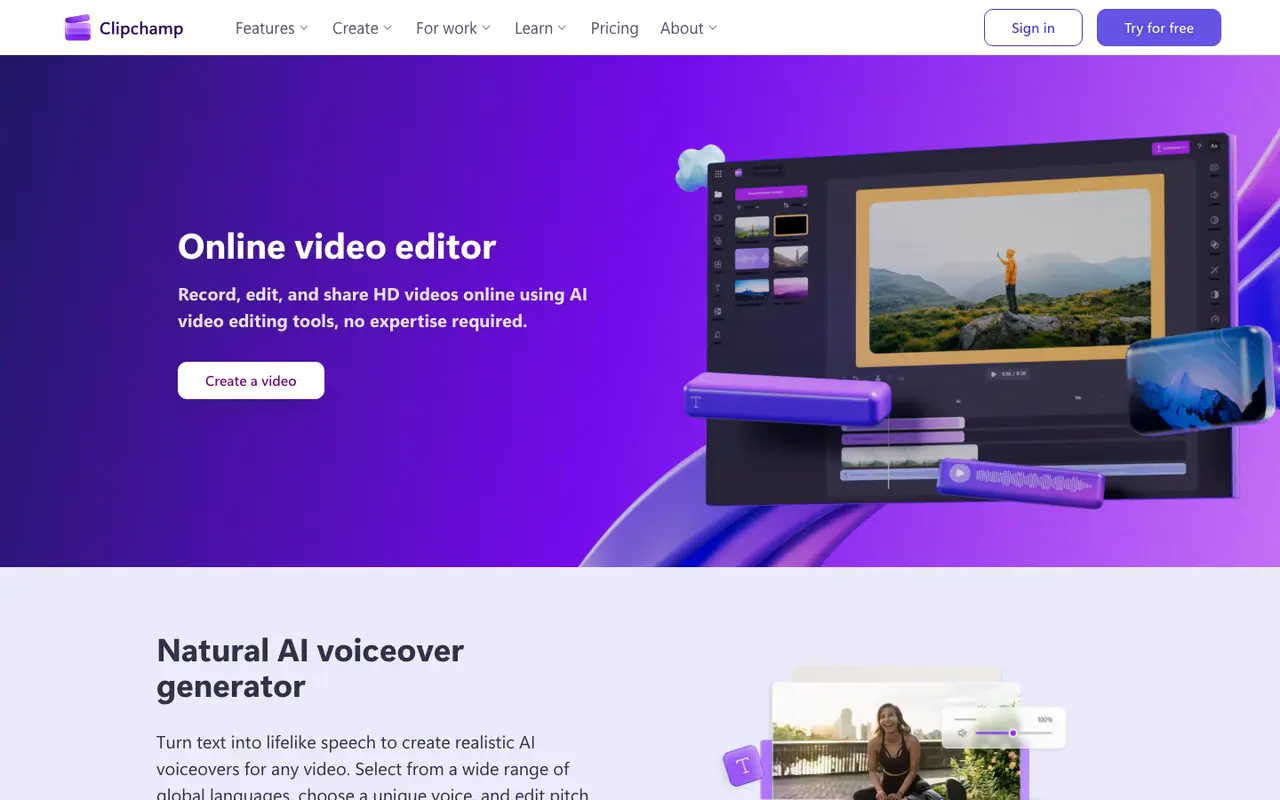
What Clipchamp does
Clipchamp is a video editor from Microsoft that runs in the web browser, with no download needed, and as a desktop app on Windows 11 or from the Microsoft Store on Windows 10. The basic editing tools cover trimming, cropping, resizing and rotating clips, animated text and titles, filters, effects and color correction, plus video templates and a royalty-free library of stock video, images, music, stickers, GIFs and sound effects.
Its AI tools focus on speech and sound. The subtitle generator creates captions in over 80 languages, and you can change their style, font and colours. The voiceover generator turns a script into speech, with adjustable pitch and pace. AI audio editing removes background noise, pauses, silences and filler words, and a built-in recorder captures the screen, camera and voice. Projects can be backed up to OneDrive.
The free plan, which needs a personal Microsoft account but no payment, lets you export as many videos as you like without watermarks in up to 1080p. Premium raises exports to 4K UHD and adds premium stock assets, premium filters and a single-brand brand kit; it is included with Microsoft 365 Personal and Family rather than sold on Clipchamp's own pricing page.
Features
- Online video editor with AI video editing tools
- Trim, crop, resize and rotate assets
- AI subtitle generator (captions in over 80 languages)
- AI voiceover generator (text to speech)
- AI audio editing: background noise, pause, silence and filler-word removal
- Screen, camera and voice recorder
- Animated text and titles
- Royalty-free stock videos, images, music, stickers, GIFs and sound effects
- Video templates
- Filters, effects and color correction
- Content backup on OneDrive
Clipchamp pricing
| Plan | Price | What's included (as stated) |
|---|---|---|
| Free | Free |
|
| Premium | Custom |
|
Copied from Clipchamp's pricing page on Nov 10, 2026. Prices change, so confirm before you buy.
Strengths and limits
Each point comes from the features and plan details on this page. No point is an opinion.
Strengths
- The free plan exports unlimited videos without watermarks in up to 1080p.
- AI subtitles cover over 80 languages, with editable style, font and colours.
- Works in the browser without a download, with a desktop app for Windows.
Limits
- 4K UHD exports, premium stock assets and the brand kit require a Microsoft 365 Personal or Family subscription.
- Clipchamp's own pricing page does not state a price for Premium.
- You must sign in with a personal Microsoft account to start.
Who Clipchamp suits, by the numbers
- Best for:
- trying it at no cost (free plan: Up to 1080p HD video resolution); a desktop app (Windows).
- Not ideal for:
- comparing prices up front, as Premium is quote-only.
Signals used: free plan, published prices, platforms, as verified on Nov 10, 2026. How signals work.
What people use Clipchamp for
Clipchamp FAQ
Is Clipchamp free?
The free plan needs a personal Microsoft account but no payment, and exports unlimited watermark-free videos in up to 1080p with free stock assets and effects.
How do I get Clipchamp Premium?
Premium features, including 4K UHD exports, premium stock assets and a single-brand brand kit, are included with Microsoft 365 Personal and Family subscriptions. Clipchamp's pricing page does not list a separate price.
Where this listing comes from
Facts were read from these pages on Nov 10, 2026. The description was written from those facts. See the methodology.
Something out of date? Report a correction. Corrections are free.