

CapCut
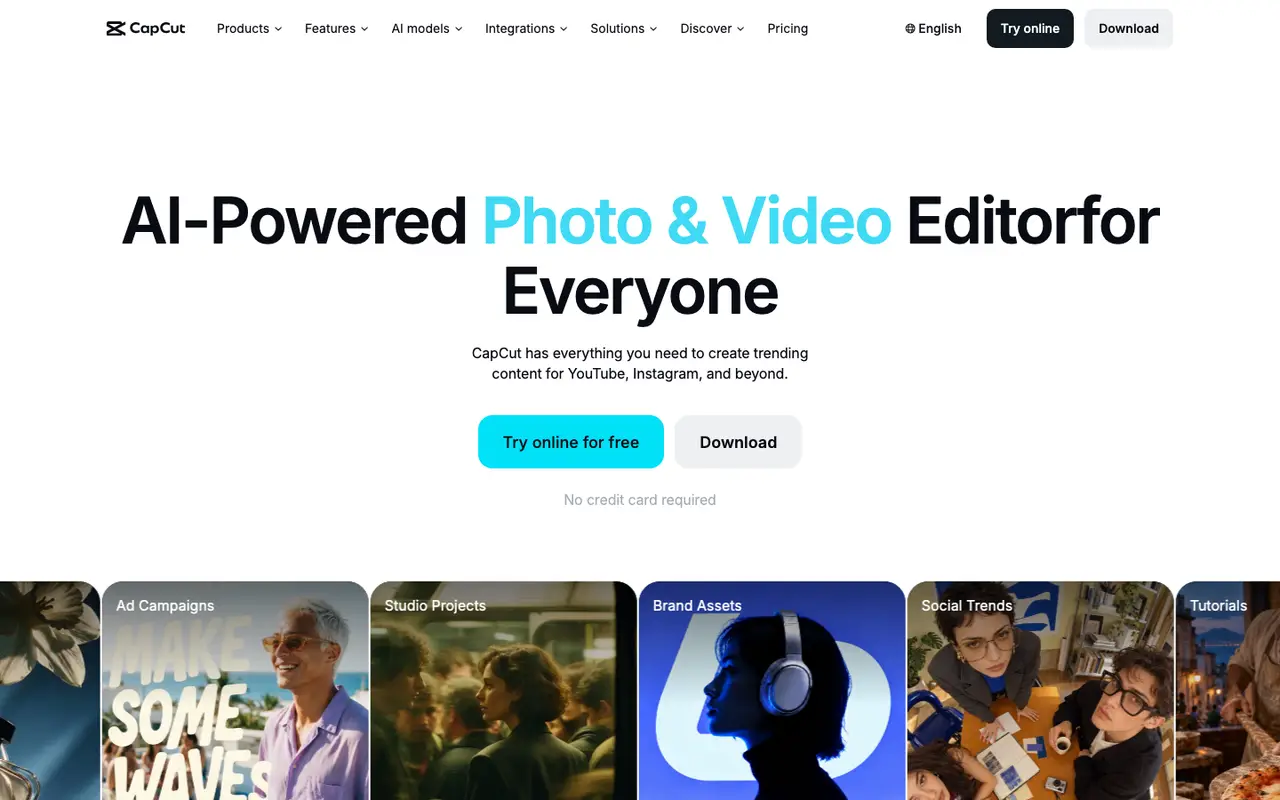
AI-Powered Photo & Video Editor for Everyone
CapCut is a photo and video editor with AI tools, aimed at making content for YouTube, Instagram and other platforms. It has a Free plan with free templates and basic editing tools, alongside paid Pro, Ultra and Teams plans. It covers editing videos, creating videos, generating images, text to speech, removing backgrounds and adding subtitles, on the web and desktop.
What CapCut does
Editing is the core of CapCut. Its smart editor syncs cuts to beats, and EditPilot works on the timeline: describe an idea and it arranges clips, sets the pace and adds captions for you to refine. Auto captions include translation and styling, and a one-click background remover handles cut-outs without manual masking.
Generation tools sit inside the same editor. The AI video generator works from text or images, the AI image generator works from prompts, and text to speech is offered in 40+ languages. You can switch between third-party AI models, including Dreamina Seedance 2.5, Veo 3 Fast, Sora 2 and GPT Image 2, depending on the job. Video templates, some with AI-generated designs, give a starting point when you'd rather not build from a blank timeline.
CapCut is listed for the web and desktop. A Free plan includes free templates and basic editing tools, and paid Pro, Ultra and Teams plans exist; this page does not list their prices.
Features
- AI video generator from text or images
- AI image generator from prompts
- Smart editor with synced beats
- Text to speech in 40+ languages
- One-click background remover
- Auto captions with translation and styling
- EditPilot AI editing assistant on the timeline
- Choice of AI models including Seedance 2.5, Veo 3 Fast and Sora 2
- Video templates, including AI-generated designs
Strengths and limits
Each point comes from the features and plan details above. No point is an opinion.
Strengths
- EditPilot turns a described idea into timeline edits, arranging clips, setting pace and adding captions.
- Third-party models such as Dreamina Seedance 2.5, Veo 3 Fast, Sora 2 and GPT Image 2 can be selected inside the editor.
- Text to speech is available in 40+ languages, and auto captions include translation and styling.
- A Free plan is available, with free templates and basic editing tools.
Limits
- The Free plan is described as offering basic editing tools; the paid Pro, Ultra and Teams plans sit above it.
What people use CapCut for
- AI tools to edit videosThe smart editor syncs to beats, and EditPilot arranges clips and sets pace on the timeline from a described idea.
- AI tools to create videosThe AI video generator builds clips from text or images, with templates as an alternative starting point.
- AI tools to generate imagesAn AI image generator creates images from prompts, with models such as GPT Image 2 available.
- AI tools for text to speechText to speech is built in and covers 40+ languages.
- AI tools to remove image backgroundsA one-click background remover cuts subjects out without manual masking.
- AI tools to add subtitles to videosAuto captions are generated with options for translation and styling.
CapCut FAQ
Is CapCut free?
There is a Free plan with free templates and basic editing tools. Paid Pro, Ultra and Teams plans are also offered.
Which AI models can I use in CapCut?
CapCut lets you switch between third-party models such as Dreamina Seedance 2.5, Veo 3 Fast, Sora 2 and GPT Image 2.
Where this listing comes from
Facts were read from these pages on Nov 6, 2026. The description was written from those facts. See the methodology.
Something out of date? Report a correction. Corrections are free.
CapCut alternatives

Runway
FreemiumFrom $15/moIntelligent tools for scaling content and teams
VideoImage Generation
Leonardo.Ai
FreemiumFrom $12/moThe creator-first generative AI platform
Image GenerationVideo
Descript
FreemiumFrom $24/moAI video and audio editor where editing video is as easy as editing text
VideoAudio & Voice
HeyGen
FreemiumFrom $29/moAI videos starring you, made in minutes
VideoAudio & Voice
Synthesia
FreemiumFrom $29/moAI video and avatar platform for business
VideoBusiness