

Topaz Photo AI
Make high-quality photographs perfect: upscale, denoise, sharpen and more.
Topaz Photo AI is image enhancement software for upscaling, denoising and sharpening photos on Mac and Windows. It has no free plan and is sold as a subscription, either alone or as part of Topaz Studio. It is for photographers who want to upscale images and edit photos, either in a standalone app or through a plugin inside their existing photo software.
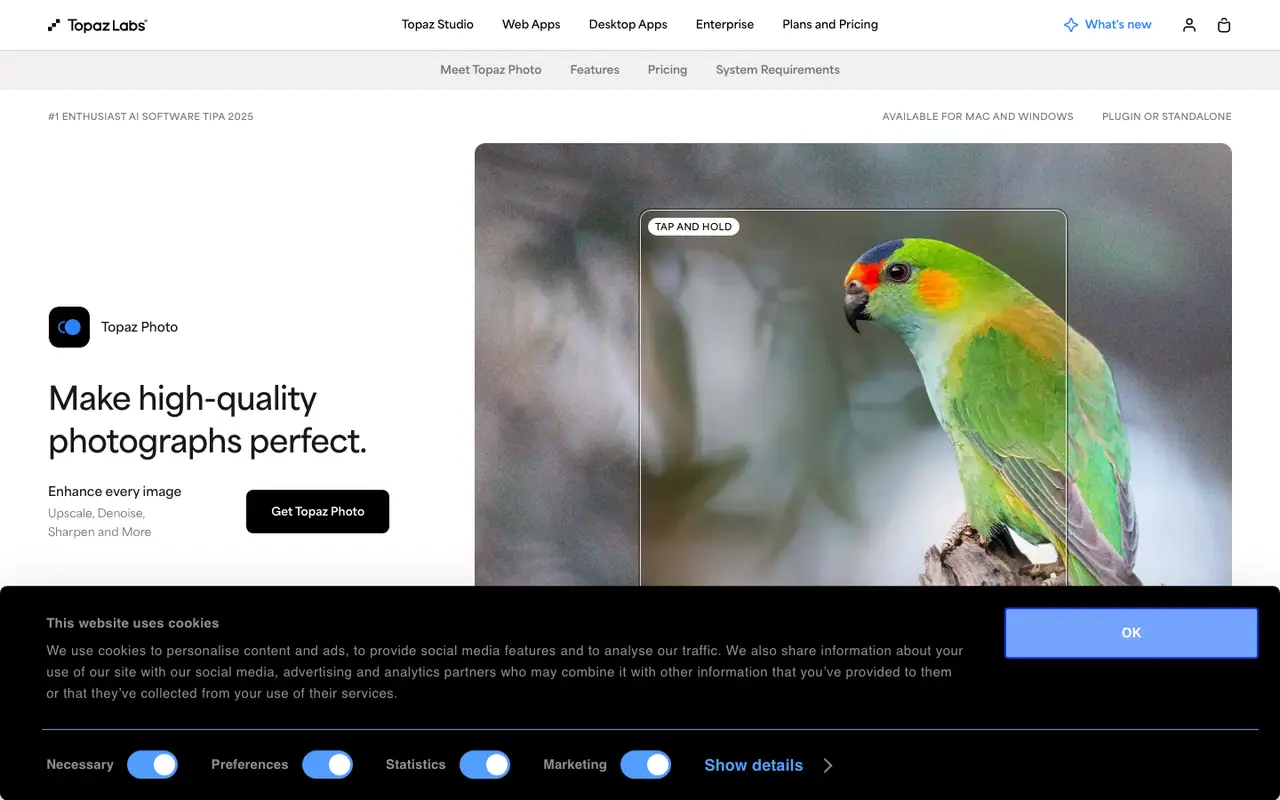
What Topaz Photo AI does
Most of what Topaz Photo AI does is repair and enlargement. Upscaling includes the Wonder and Standard MAX models, alongside Denoise, Sharpen and Super Focus for soft or noisy shots. Recover Faces works on faces in a photo, Preserve Text protects lettering during processing, and Dust and Scratch removal targets damage on scanned prints.
There are general edits too. Adjust Lighting and Balance Color handle exposure and color, while the Remove tool and Healing Brush clear unwanted objects. If you would rather not choose each step, Autopilot picks enhancements automatically.
It runs on Mac and Windows, either as its own app or as a plugin inside several desktop photo editors and photo libraries, so it can slot into an existing editing workflow rather than replace it. Rendering can happen locally, with files kept on your computer, or in the cloud, where rendering is unlimited. Access is by subscription, for Topaz Photo AI alone or as part of the Topaz Studio bundle.
Features
- AI upscaling (including Wonder and Standard MAX models)
- Denoise
- Sharpen and Super Focus
- Recover Faces
- Adjust Lighting and Balance Color
- Remove tool and Healing Brush
- Dust and Scratch removal
- Preserve Text
- Autopilot automatic enhancement
- Plugin for Photoshop, Lightroom Classic, Capture One and Apple Photos
Strengths and limits
Each point comes from the features and plan details above. No point is an opinion.
Strengths
- Combines upscaling, denoising, sharpening and face recovery in one app.
- Works standalone or as a plugin inside desktop photo editors and photo libraries.
- Local rendering keeps files on your computer; cloud rendering is unlimited.
- Autopilot can choose enhancements automatically.
Limits
- No free plan.
- Sold as a subscription, alone or bundled in Topaz Studio.
What people use Topaz Photo AI for
Topaz Photo AI FAQ
Which platforms does Topaz Photo AI run on?
Mac and Windows, as a standalone app or as a plugin.
Can photos be processed without uploading them?
Yes. Private local rendering keeps files on the computer; unlimited cloud rendering is also available.
Where this listing comes from
Facts were read from these pages on Nov 6, 2026. The description was written from those facts. See the methodology.
Something out of date? Report a correction. Corrections are free.
Topaz Photo AI alternatives

Krea
FreemiumFrom $9/moAI creative suite to generate, edit, and enhance images, videos, and 3D.
Image GenerationPhoto Editing
PicWish
FreemiumFrom $6.99/moThe Easiest AI Photo Editor. Your all-in-one free AI photo editor.
Photo Editing
Pixelcut
FreemiumFrom $10/moThe AI Video and Image Platform. Join 70 million sellers making images and videos with AI.
Photo EditingImage Generation
SnapEdit
FreemiumFrom $10/moAI photo editor online to remove objects, erase backgrounds and enhance images
Photo Editing