

Speechify
Speechify reads anything aloud to you: books, PDFs and web pages with natural AI voices, plus voice typing and a Voice AI assistant.
Speechify is a text-to-speech app that reads PDFs, documents, web pages and books aloud with AI voices. A free plan is available, and paid plans from $29 per month, billed monthly, unlock its full voice library and AI features. It fits readers and listeners who need text-to-speech across web, mobile, desktop and browser extensions.
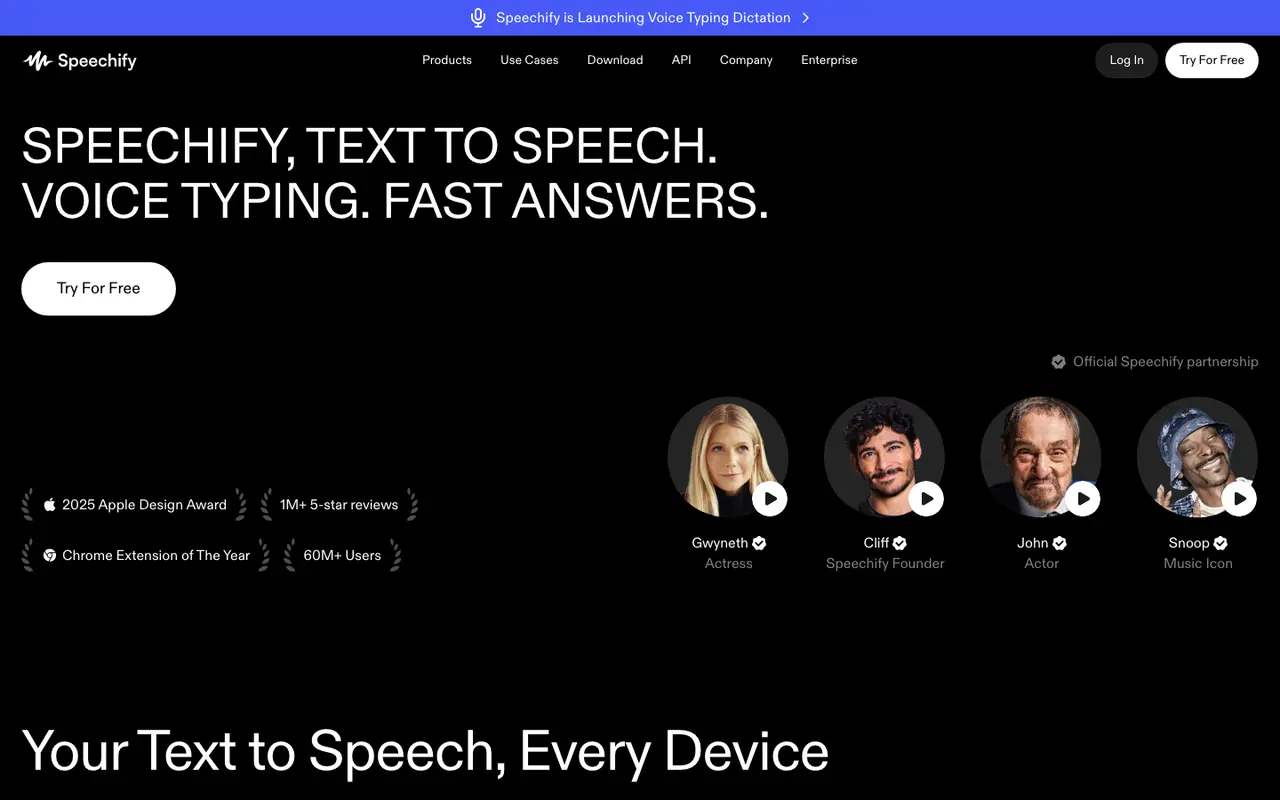
What Speechify does
Paste in a web page or open a PDF, doc or book, and Speechify reads it out while highlighting the text as you listen. Playback speed is adjustable, files in PDF, EPUB, DOCX, XLSX and TXT formats are supported, and the voice library holds over 1,000 voices across more than 60 languages. For printed material, Scan & Listen uses OCR to read text aloud from a photo of a page.
There is more here than listening. Voice Typing lets you dictate text in your own voice into any app, and it is included on the free plan. A Voice AI assistant answers questions and writes summaries, AI podcast creation builds episodes from documents or descriptions, and an AI meeting note taker covers calls. Developers get a Text to Speech API. You can use it as a web app, on iOS and Android, on Mac and Windows, or through Chrome and Edge extensions.
The free plan is limited to text-to-speech features, 10 robotic sounding voices and speeds up to 1.5x. PREMIUM is $29 per month billed monthly, or $139 billed yearly, and adds the 1000+ natural voices, 5x listening speeds, Scan & Listen, AI Summaries & Chats, AI Podcasts and the Voice AI Assistant. A free trial of Premium is offered.
Features
- Text to speech for PDFs, docs, web pages and books
- 1,000+ natural voices in 60+ languages
- Text highlighting while listening
- Playback speed control
- Scan & Listen (OCR from photos of text)
- Voice Typing dictation in any app
- Voice AI assistant for summaries and answers
- AI podcast creation from documents or descriptions
- AI meeting note taker
- Supports PDF, EPUB, DOCX, XLSX and TXT files
Speechify pricing
| Plan | Price | What's included (as stated) |
|---|---|---|
| Free | Free |
|
| PREMIUM | $29/mobilled monthly |
|
Copied from Speechify's pricing page on Nov 6, 2026. Prices change, so confirm before you buy.
Strengths and limits
Each point comes from the features and plan details above. No point is an opinion.
Strengths
- Free plan includes text-to-speech and Voice Typing dictation.
- Runs on web, iOS, Android, Mac, Windows and Chrome and Edge extensions.
- Scan & Listen reads printed text aloud from photos of pages.
- Reads PDF, EPUB, DOCX, XLSX and TXT files.
Limits
- The free plan offers 10 robotic sounding voices and caps speed at 1.5x.
- Scan & Listen, AI Podcasts and the Voice AI Assistant are listed under PREMIUM, not the free plan.
Speechify FAQ
Is Speechify free?
Yes. The Free plan covers text-to-speech features with 10 robotic sounding voices at speeds up to 1.5x, and Voice Typing is included.
How much does Speechify Premium cost?
PREMIUM is $29 per month billed monthly, or $139 billed yearly. A free trial of Premium is offered.
What devices does Speechify work on?
It runs as a web app, iOS and Android apps, Mac and Windows apps, and Chrome and Edge extensions, and it offers an API.
Where this listing comes from
Facts were read from these pages on Nov 6, 2026. The description was written from those facts. See the methodology.
Something out of date? Report a correction. Corrections are free.