

Microsoft Copilot
Microsoft Copilot is AI built to help you get things done: chat, search and create with AI across work, life and school.
Microsoft Copilot is an AI chat assistant for finding answers, drafting content and completing tasks. Its homepage states it is free with a signed-in Microsoft account; no plan prices are listed here. It suits people who want to do research through search with grounded answers, and it runs on the web, on Windows and Mac desktops, and on mobile.
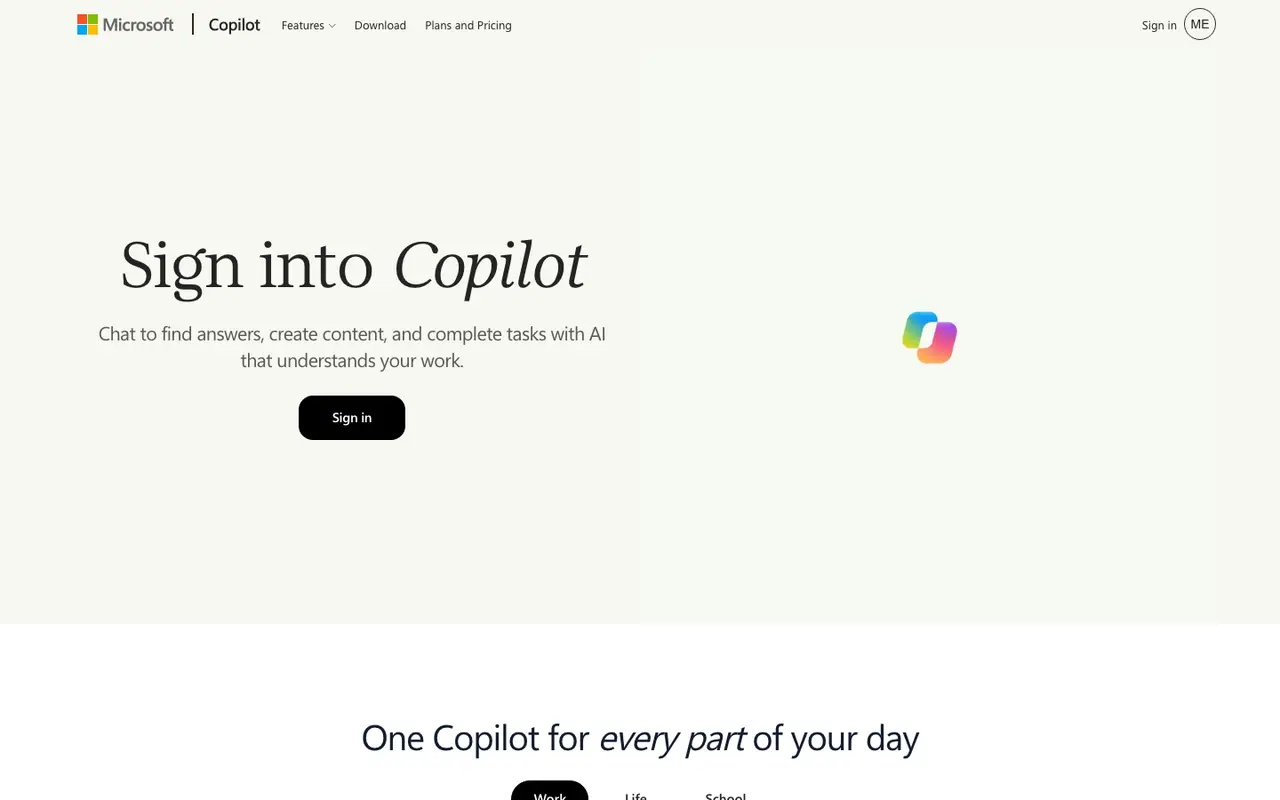
What Microsoft Copilot does
Copilot works as a conversation: you ask a question, brainstorm an idea or hand it a task, and it replies in chat. Its search side returns grounded answers and helps locate information, files and insights, which is the part most relevant to research. Notebooks give you a place to collect that work, and memory and personalization let the assistant carry context between sessions.
The create feature covers two jobs. It drafts written content, and it generates images from a description. Voice mode is available on mobile, desktop and the web, so you can speak to the assistant instead of typing when that is easier.
Business plans extend the assistant into Word, Excel, PowerPoint, Outlook and Microsoft Teams. They also bring pre-built agents named Researcher, Analyst and Facilitator, and let teams create their own agents with Agent Builder and Copilot Studio. Some advanced AI features on those business plans are billed by usage on top of the license fee, so cost can depend on how much of them an organization uses. Prices for the consumer app are not listed on this page.
Features
- AI chat for answers, brainstorming and tasks
- Search with grounded answers across information and files
- Content drafting and image generation
- Notebooks
- Memory and personalization
- Voice on mobile, desktop and web
- Copilot in Word, Excel, PowerPoint, Outlook and Teams (business plans)
- Pre-built agents including Researcher, Analyst and Facilitator (business plans)
- Agent creation with Agent Builder and Copilot Studio (business plans)
Strengths and limits
Each point comes from the features and plan details above. No point is an opinion.
Strengths
- Free to use with a signed-in Microsoft account, according to the homepage.
- Search gives grounded answers and can find information and files.
- Available on the web and on desktop for Windows and Mac.
- Drafts content and generates images from the same assistant.
Limits
- Copilot inside Word, Excel, PowerPoint, Outlook and Teams is limited to business plans.
- Some advanced AI features on business plans are billed by usage on top of the license fee.
Microsoft Copilot FAQ
Is Microsoft Copilot free?
Yes. The homepage states Microsoft Copilot is free with a signed-in Microsoft account.
Where can I use Microsoft Copilot?
It is available on the web, on desktop for Windows and Mac, and on mobile.
Where this listing comes from
Facts were read from these pages on Nov 6, 2026. The description was written from those facts. See the methodology.
- https://copilot.microsoft.com/
- https://www.microsoft.com/microsoft-365-copilot/pricing?ocid=cmm2nvxwm2c
Something out of date? Report a correction. Corrections are free.